Get your Google review link
Copy the direct review link and QR code from your Google Business Profile.

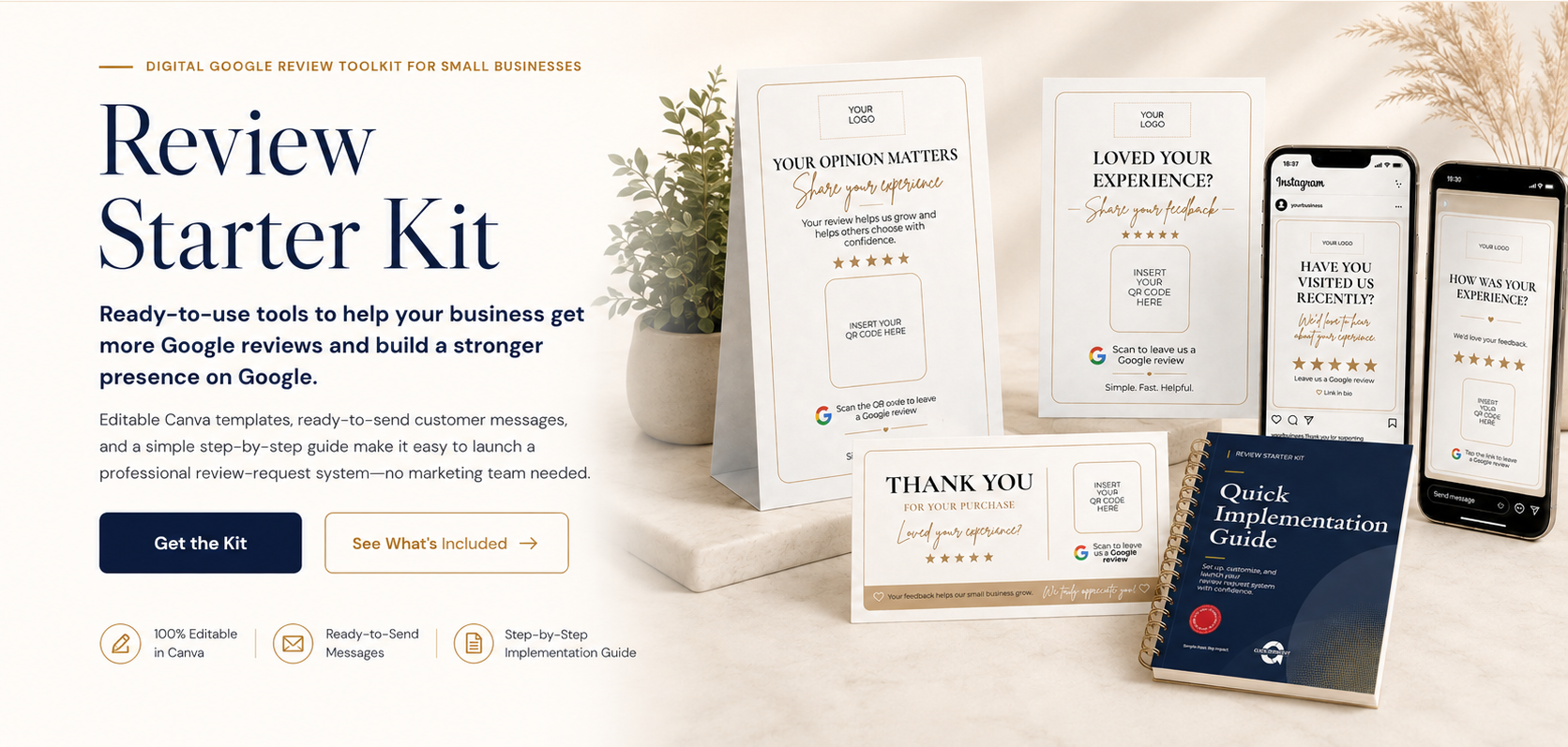
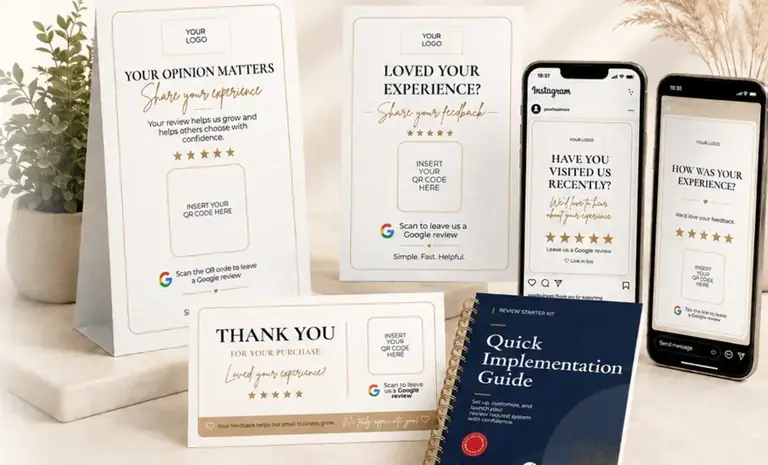
Ready-to-use tools to help your business get more Google reviews and build a stronger presence on Google.
Editable Canva templates, ready-to-send customer messages, and a simple step-by-step guide make it easy to launch a professional review-request system — no marketing team needed.
A quick look at how the kit fits into a simple customer review-request workflow.
You don’t need a marketing team or a complicated strategy to improve how your business asks for Google reviews. The kit walks you through the process step by step with simple templates, ready-made messages and clear instructions.
Copy the direct review link and QR code from your Google Business Profile.
Choose the option that fits your business — counter display, card, package insert, social template or customer message.
Add your logo, business name, Google review link or QR code, and adjust the template to your brand.
Test your link or QR code first. Then use your finished materials after genuine customer experiences.
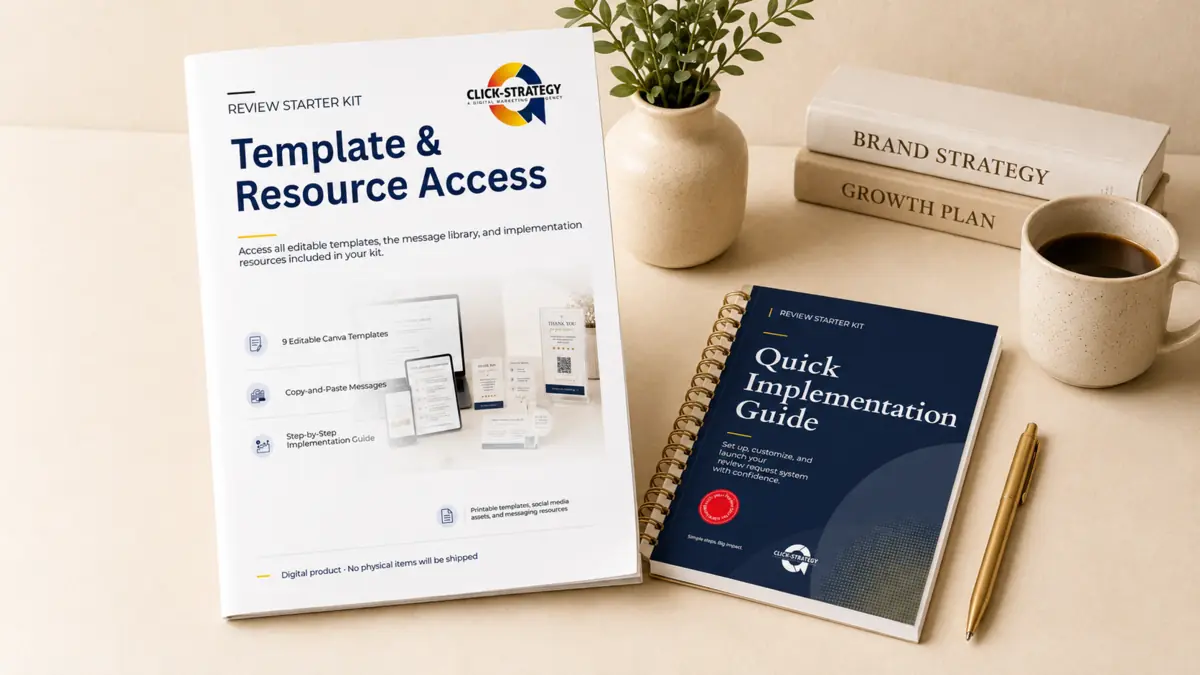
One purchase gives you access to the complete kit — all templates, messages and implementation resources shown below.

Editable display templates for reception desks, counters and checkout areas.

A compact front-and-back card you can hand to customers after a purchase, appointment or service.

A customizable review reminder for windows, counters, packaging, bags and other visible areas.
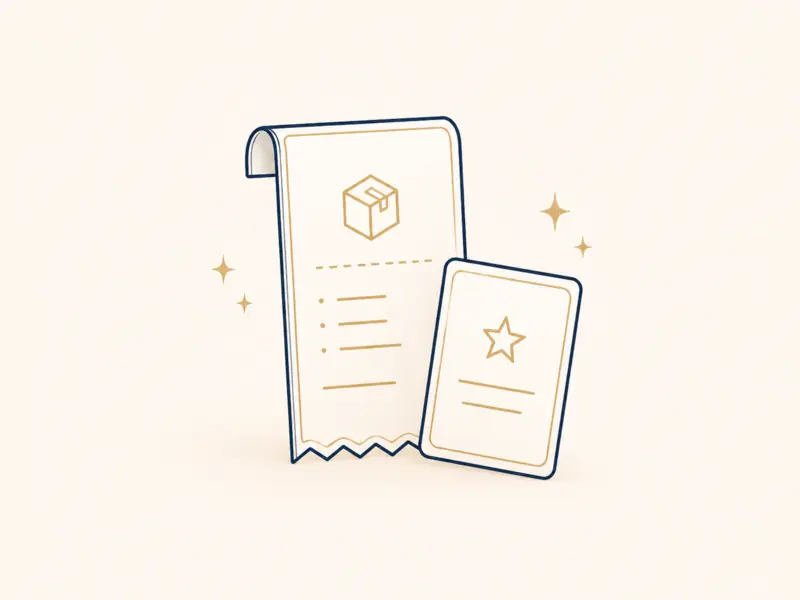
Add a review request to receipts, shopping bags, packages and thank-you envelopes.
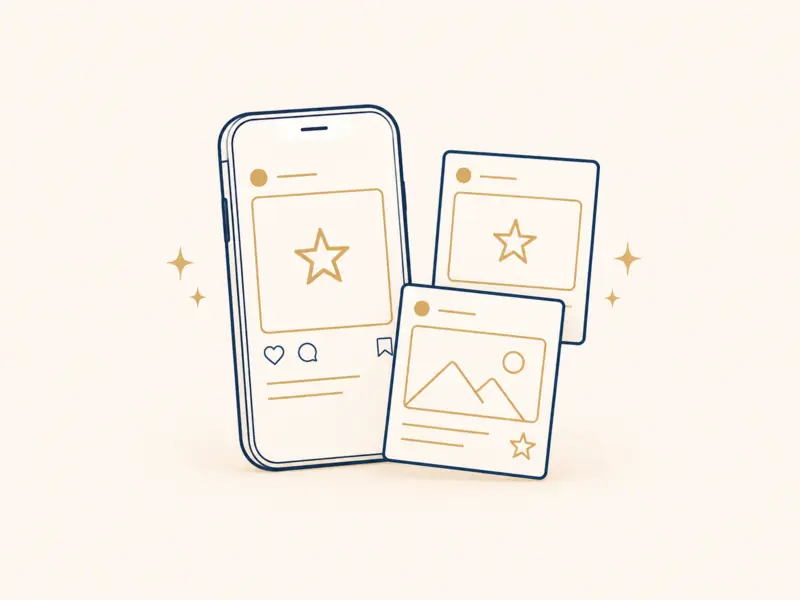
Editable square, portrait and Story layouts for Instagram and Facebook review requests.

Ready-to-customize customer messages for WhatsApp, SMS, email, Instagram and Facebook DMs, websites and booking platforms.

Step-by-step instructions for your Google review link, QR code, template customization, launch, testing and simple results tracking.

One organized access point for your editable templates, messages and implementation resources.
The Review Starter Kit was designed so small business owners can set it up themselves. You don’t need to know marketing, design or technical setup before you start.
The Quick Implementation Guide explains the process step by step — where to find your Google review link, how to create and test your QR code, what to customize in Canva, how to use each type of material and when to send the ready-made messages.
Save time, look professional and make review requests easier to repeat.
Start with professionally prepared templates instead of building every asset from zero.
Use thoughtful, customer-friendly messages across the moments that matter most.
Customize colors, fonts, logo, wording and QR codes directly in Canva.
Create a repeatable review-request process instead of relying on occasional reminders.
Whether you manage your marketing yourself or simply want an easier way to ask customers for reviews, the kit gives you the tools and instructions to get started.
Everything you need to know before purchasing.
It is a ready-to-use digital toolkit for small businesses that want an easier way to ask customers for Google reviews. It includes editable Canva templates, ready-to-customize customer messages and a step-by-step implementation guide.
Everything shown on this page is included in one purchase. You receive all 9 Canva templates, the complete message library, the Quick Implementation Guide and the START HERE resource-access document.
No. A free Canva account is enough to customize the included templates. Create your own copy of a template before editing it.
After purchase, you will receive digital access to the START HERE document, the Quick Implementation Guide and the Copy & Paste Message Library.
Yes. You can edit the logo, wording, colors, fonts and QR-code placeholders in Canva.
The standard purchase covers one business or legal entity. Agencies and consultants need a separate license for each client business.
No. The Review Starter Kit is a 100% digital product. You receive access to editable templates, messages and guides. No printed cards, displays, stickers, acrylic holders or other physical materials will be shipped.
No. Printing is optional. Some templates are designed for social media or digital messaging and can be used entirely online. Other templates, such as counter displays, review cards, stickers and package inserts, can be printed if they are useful for your business. You can print them yourself or use any local or online printing service you prefer.
No. The kit was created for small business owners who may not have a marketing team. The Quick Implementation Guide explains the setup step by step, including your Google review link, QR code, template customization, messaging, testing and launch.
No. The Review Starter Kit is a fixed, self-serve digital product. The purchase does not include consulting, customization, implementation, campaign management, review management or ongoing services.
No. The message templates are intended for manual, one-to-one follow-up with genuine customers using the business’s normal communication channels. The kit does not include bulk messaging software, automated outreach, purchased contact lists, unsolicited mass marketing or review automation.
No. The kit helps businesses request honest and voluntary customer feedback. It does not include fake reviews, review posting services, review gating, incentives conditioned on positive reviews, manipulated testimonials or guaranteed review results.
You can review our Terms of Purchase , Digital Product License and Refund Policy before completing your order.
Get the templates, ready-to-send messages and step-by-step instructions you need in one digital kit.